How much does Owndy cost?
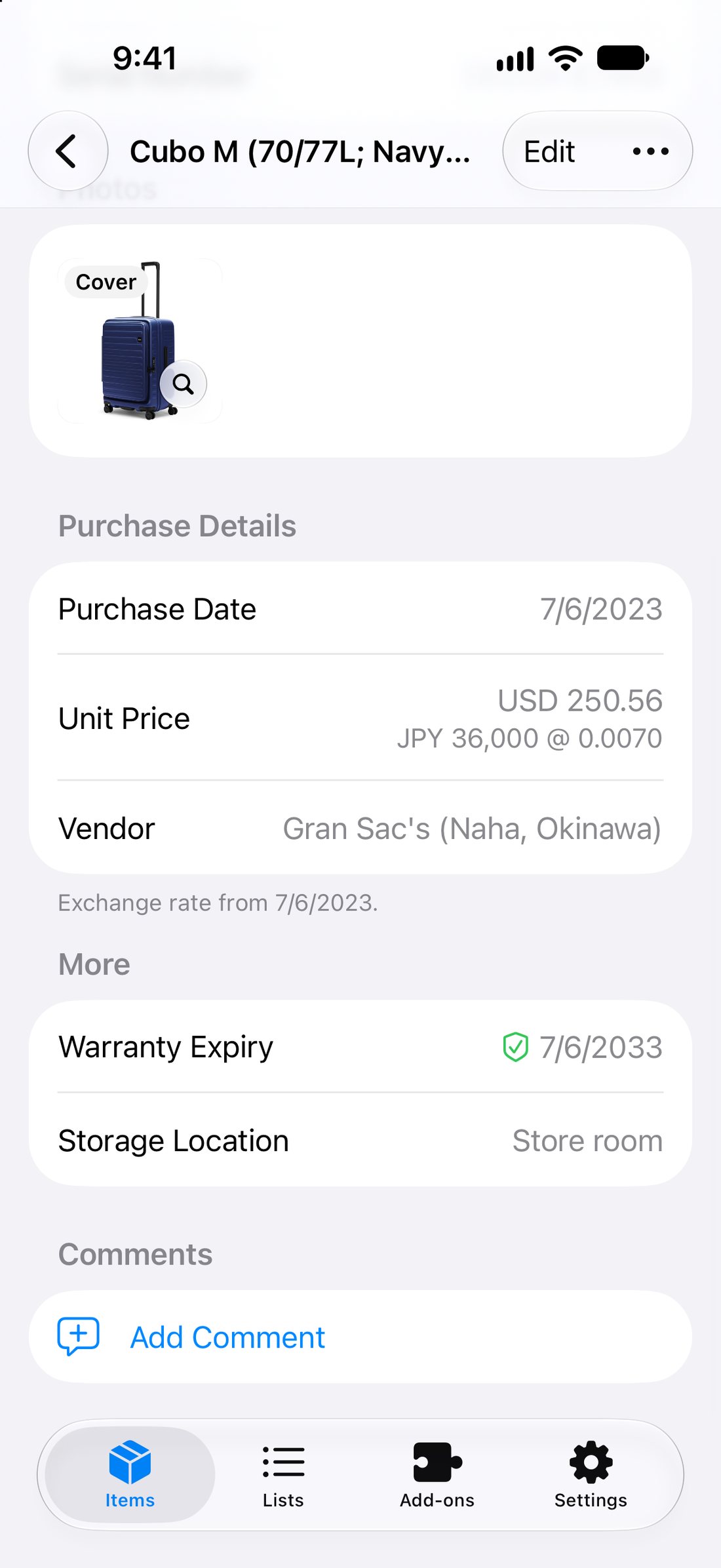
Owndy is free to download. On the Launch plan, Scan to Add Item and Find Photo Online come with a monthly allowance, shown in Settings › Usage. Paid plans are coming, and early users will get a founder offer. Anything paid is sold through the App Store, with the price shown before you buy.
Does it work without internet?
Yes. Your items, photos and receipts are kept on your iPhone, so you can look things up and make changes anywhere. Changes upload automatically when you're back online. Scanning a tag or receipt and finding photos online need a connection.
Where is my data stored?
On your iPhone and with our hosting provider in Singapore, encrypted in transit and at rest. Each account can only reach its own data. See the Privacy Policy for the details.
What happens to my photos when I scan?
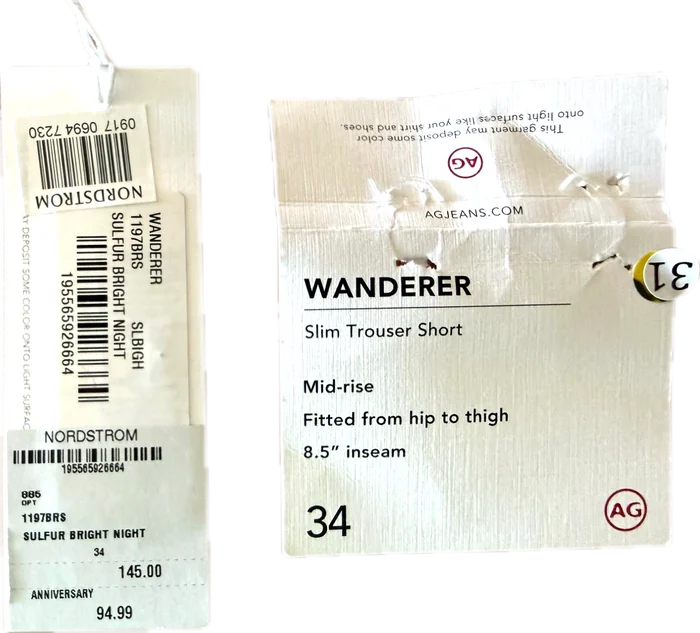
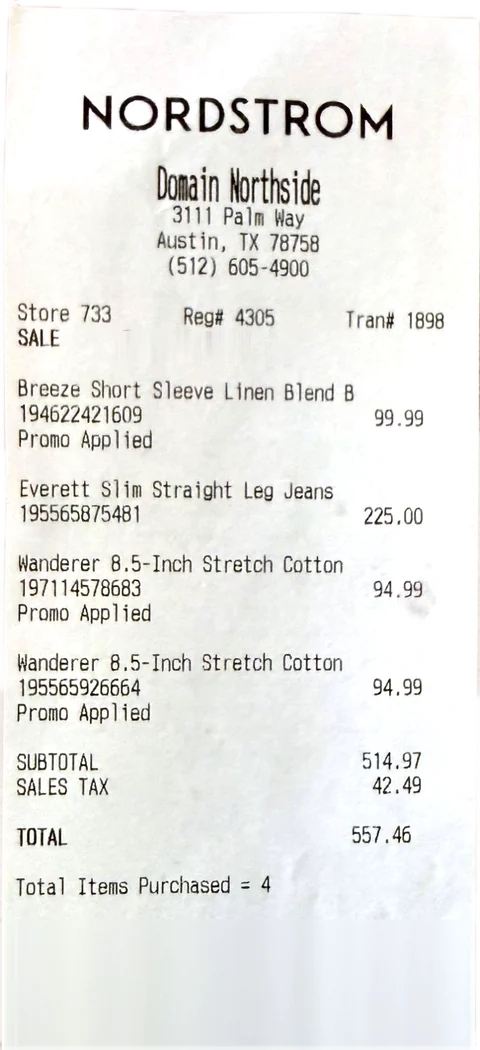
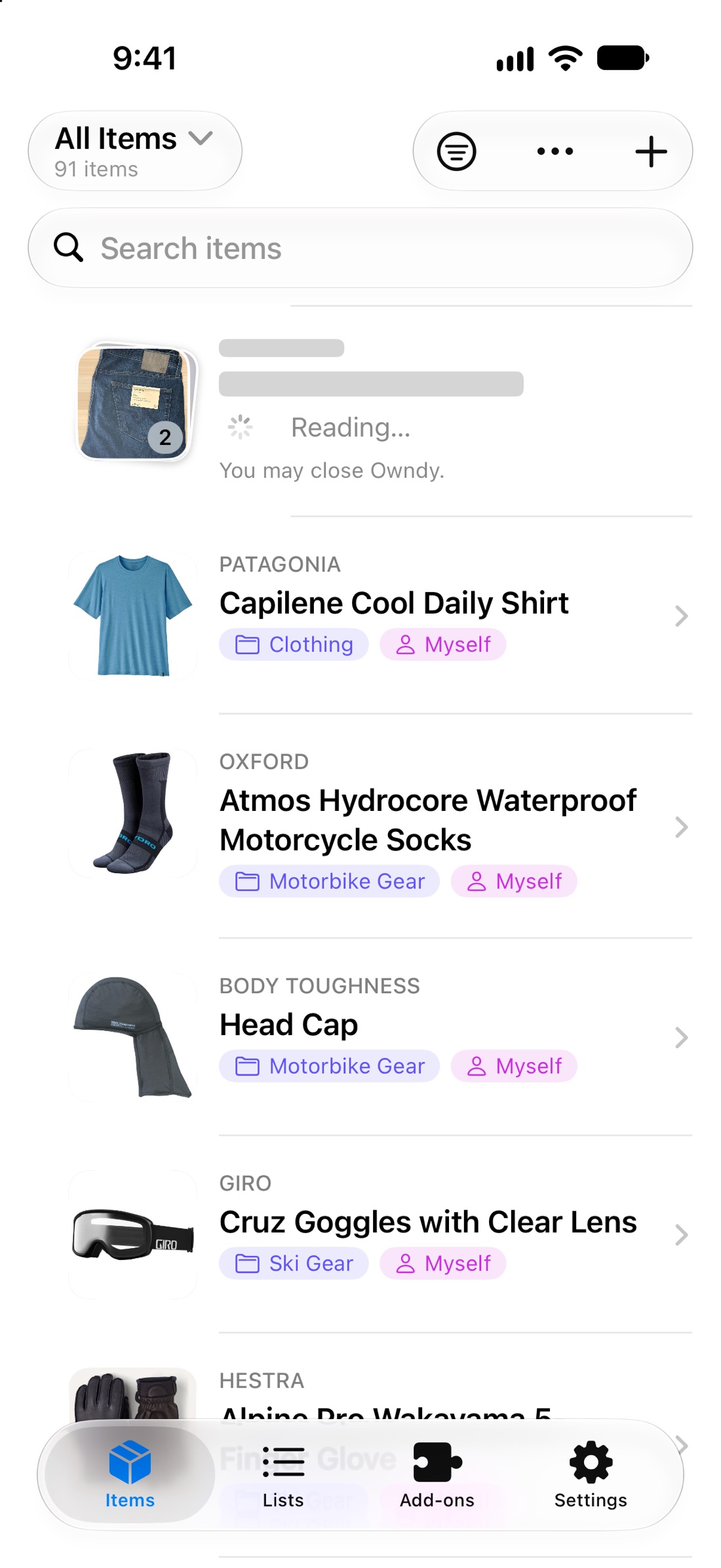
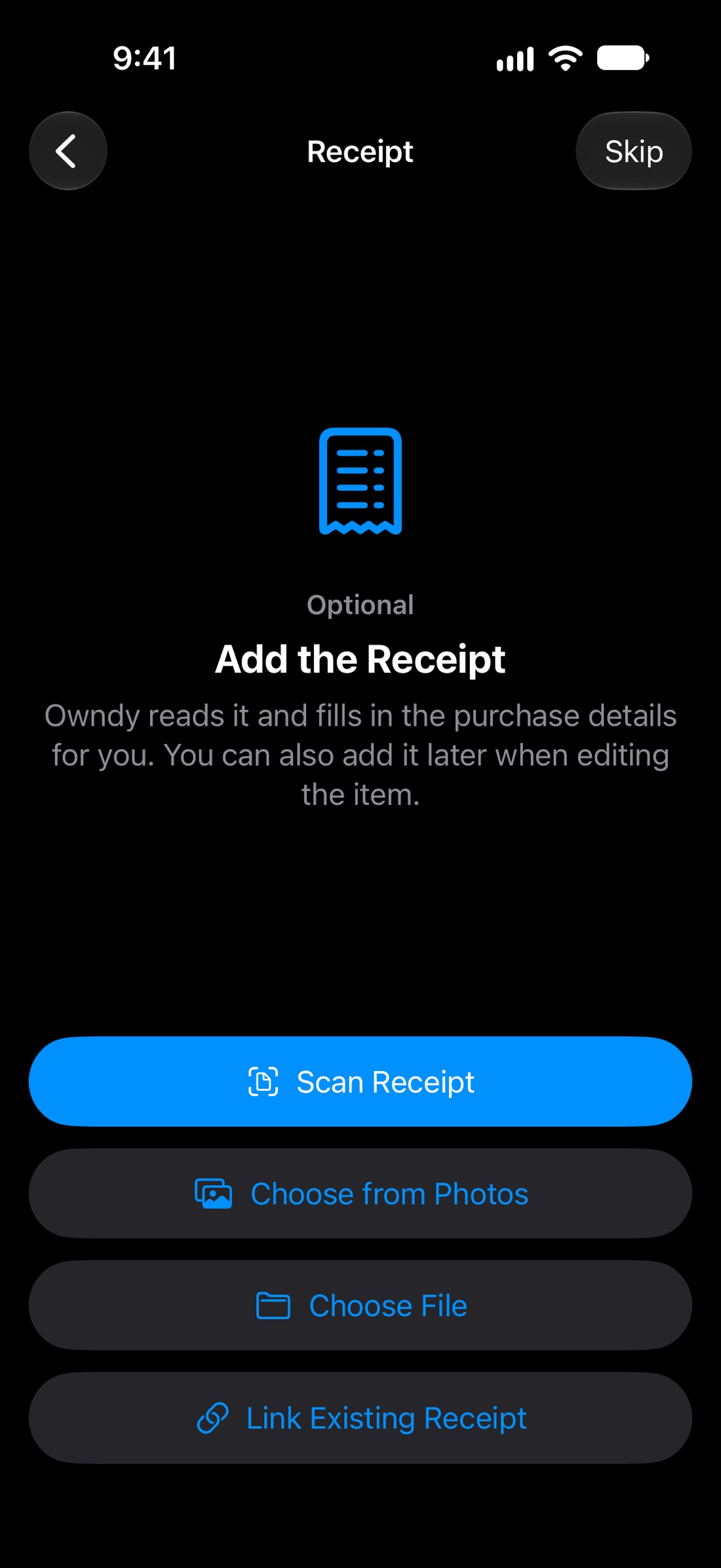
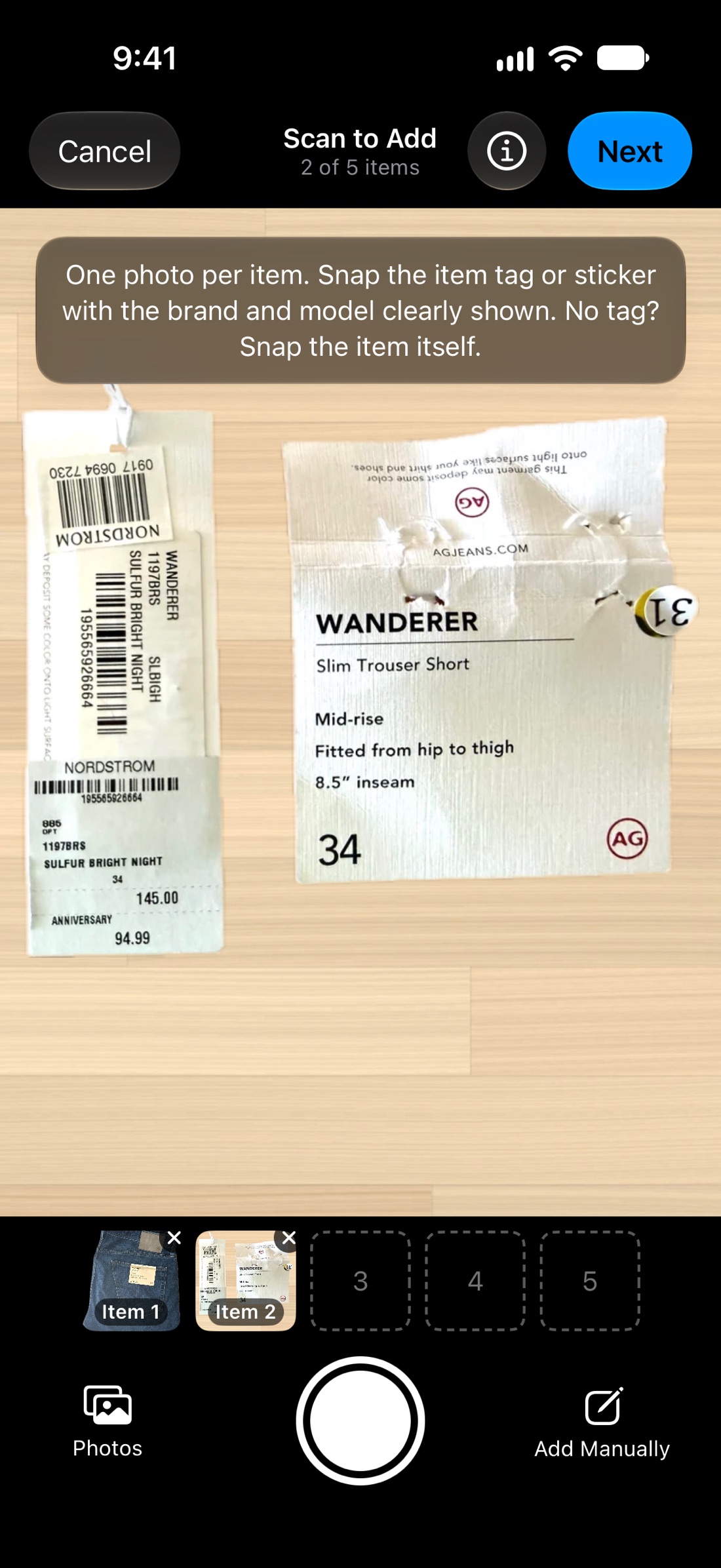
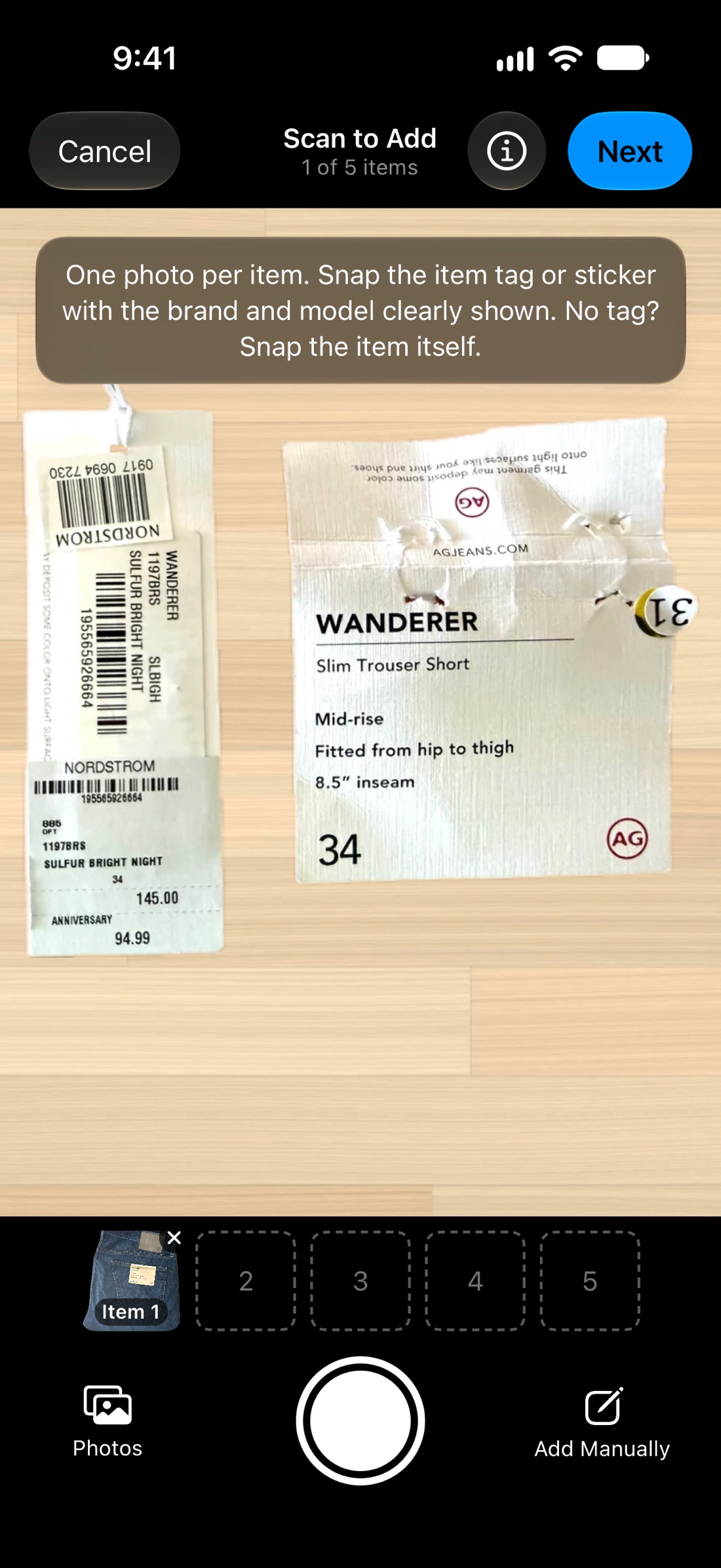
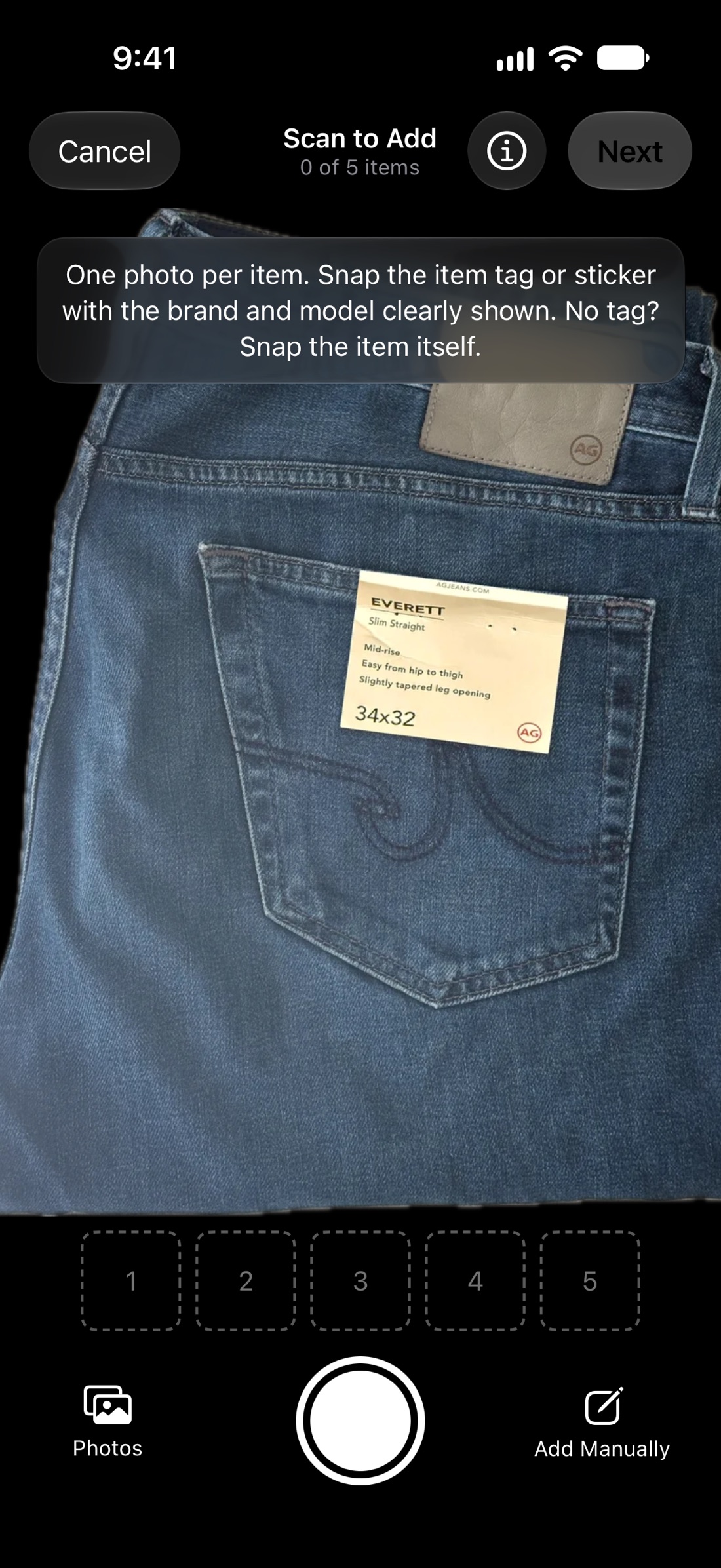
Scanning is optional and asks for your permission the first time. Your iPhone reads the text and barcodes first, then sends that text and a small copy of the photo to Anthropic's Claude AI, which works out the item's details. Owndy adds the item for you: check it any time, edit it or delete it. Nothing is used to train AI models.
What if my item has no tag?
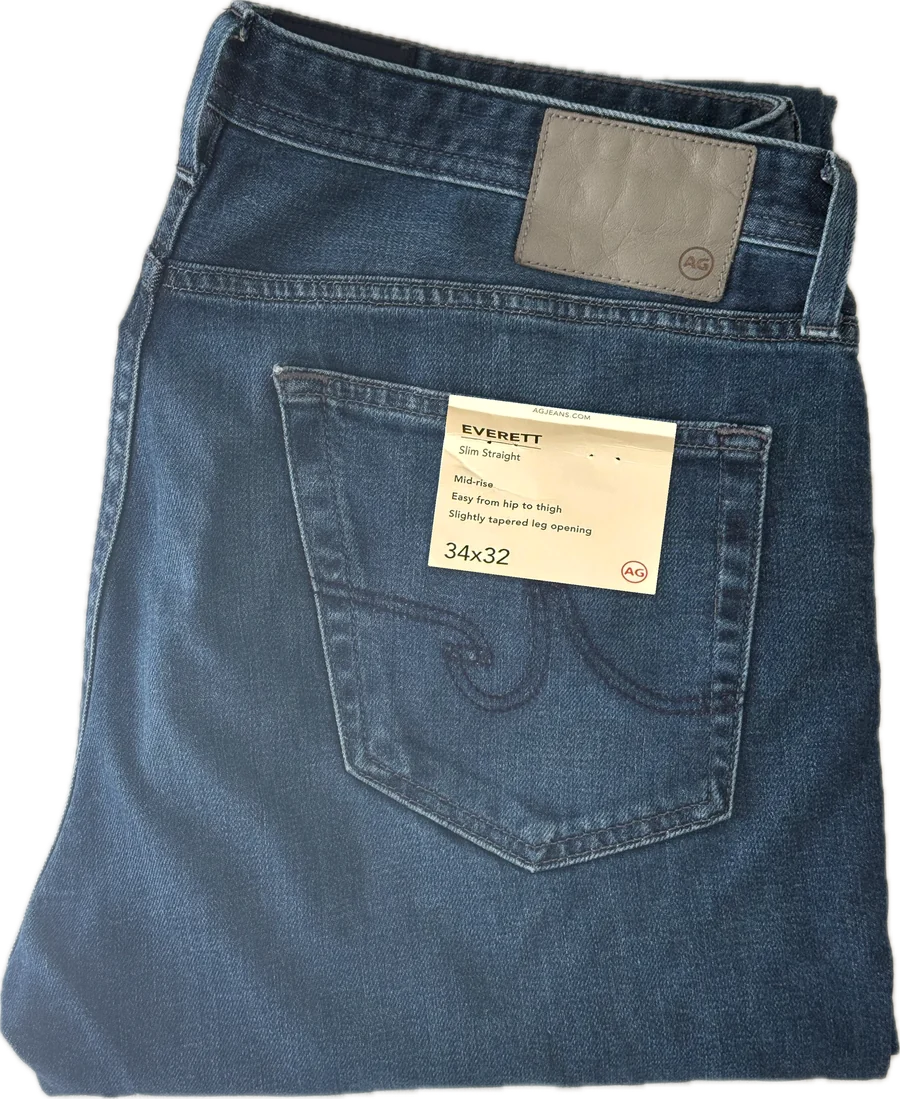
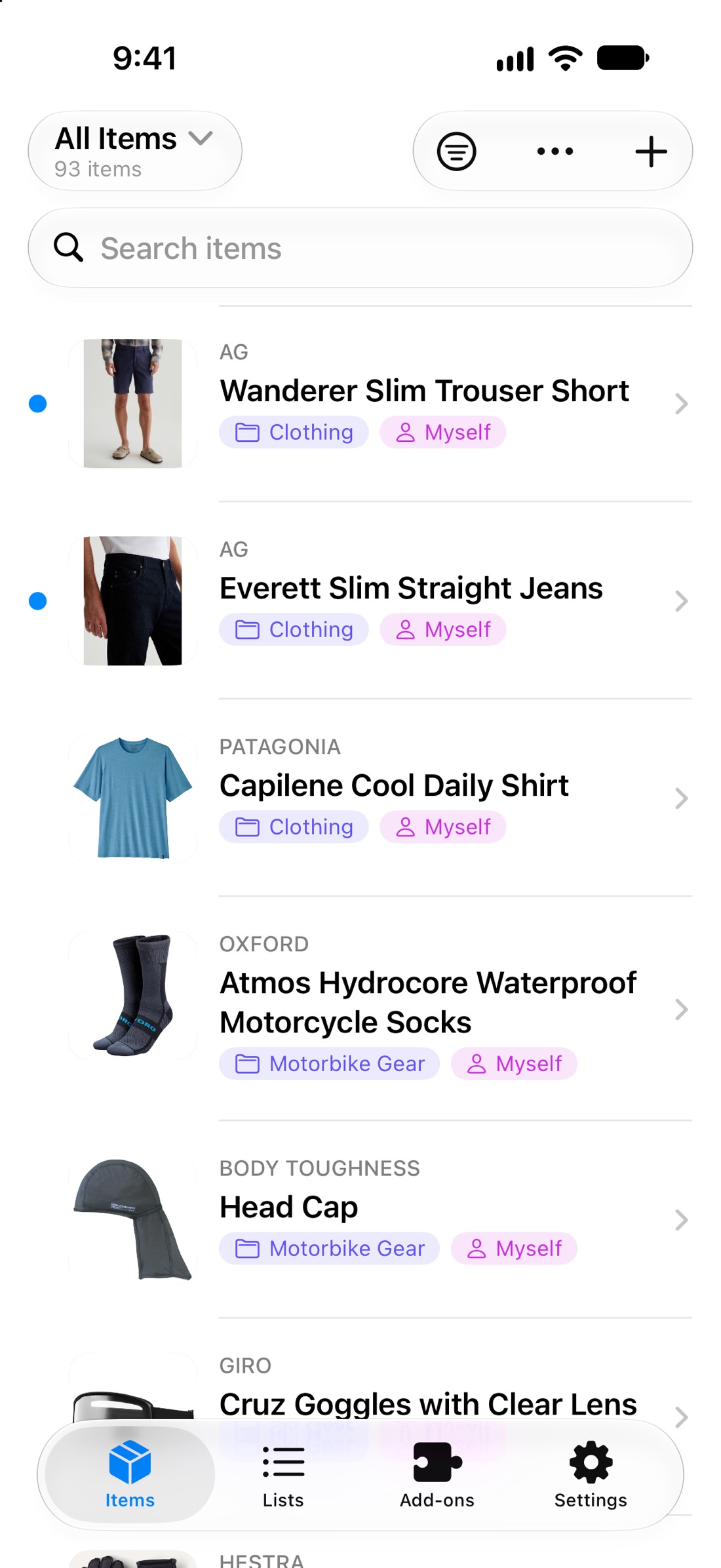
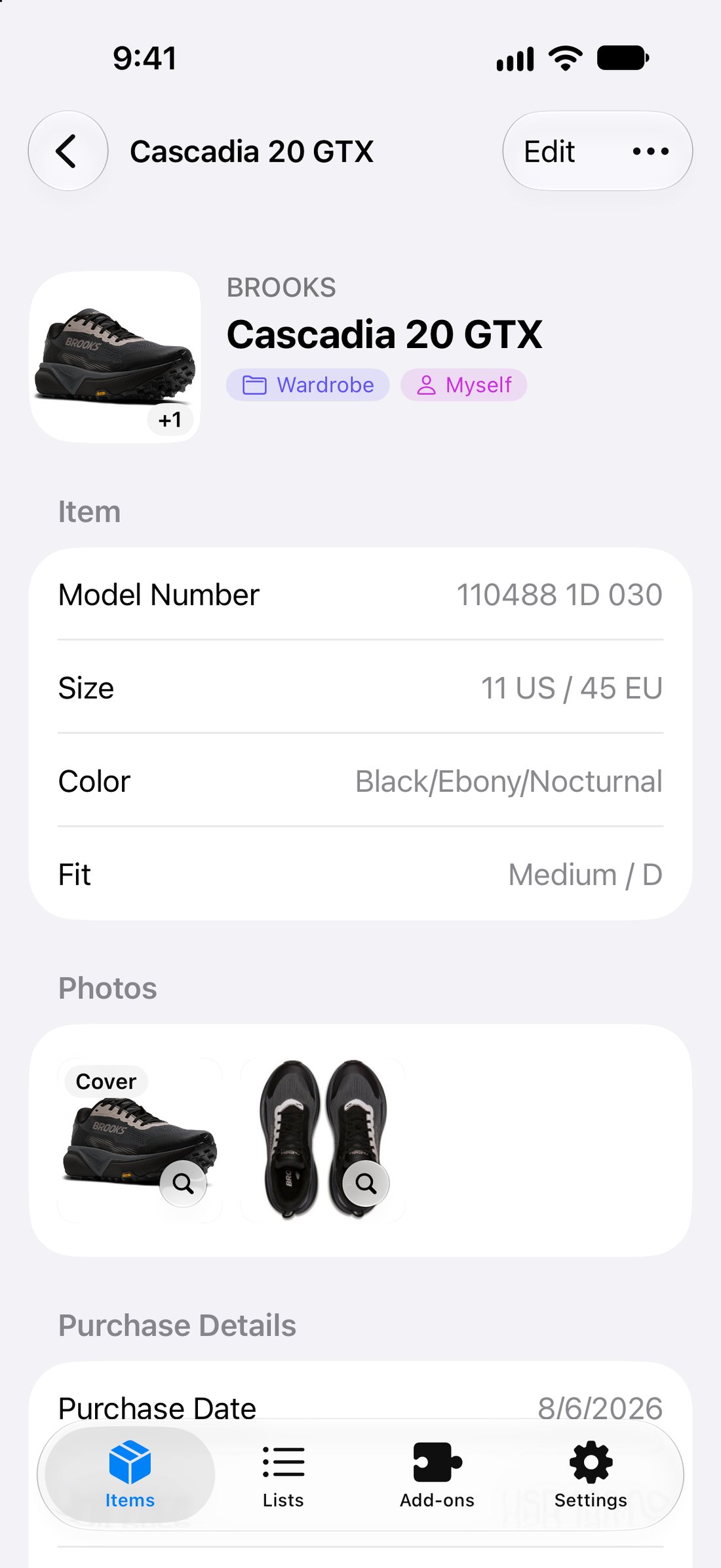
Snap the item itself. Owndy recognises what it is and adds it with an item name, and the brand when its logo shows. It never guesses a model number, so when you still have the tag, box or sticker, snap that instead for the most accurate details.
What do I need to use Owndy?
An iPhone with iOS 26 or later, and an Apple Account to sign in with Apple.
Can I export my data?
Yes, any time, in Settings › Your Data › Export All My Data. You get a ZIP with a spreadsheet of every item (opens in Excel, Numbers or Google Sheets) and all your photos, receipts and attachments. It's made on your iPhone, and you choose where it goes. You can also export a single list, for example to hand someone their things to import into their own Owndy.
Can I bring my spreadsheet?
Yes. Save it as a CSV from Excel, Numbers or Google Sheets and open Settings › Your Data › Import Items. Owndy matches your columns to its fields, and anything else becomes a detail on the item. To bring photos and receipts too, put the spreadsheet and the files in one ZIP. You see a preview before anything is added, and items already in Owndy are skipped.
Does it work with Siri?
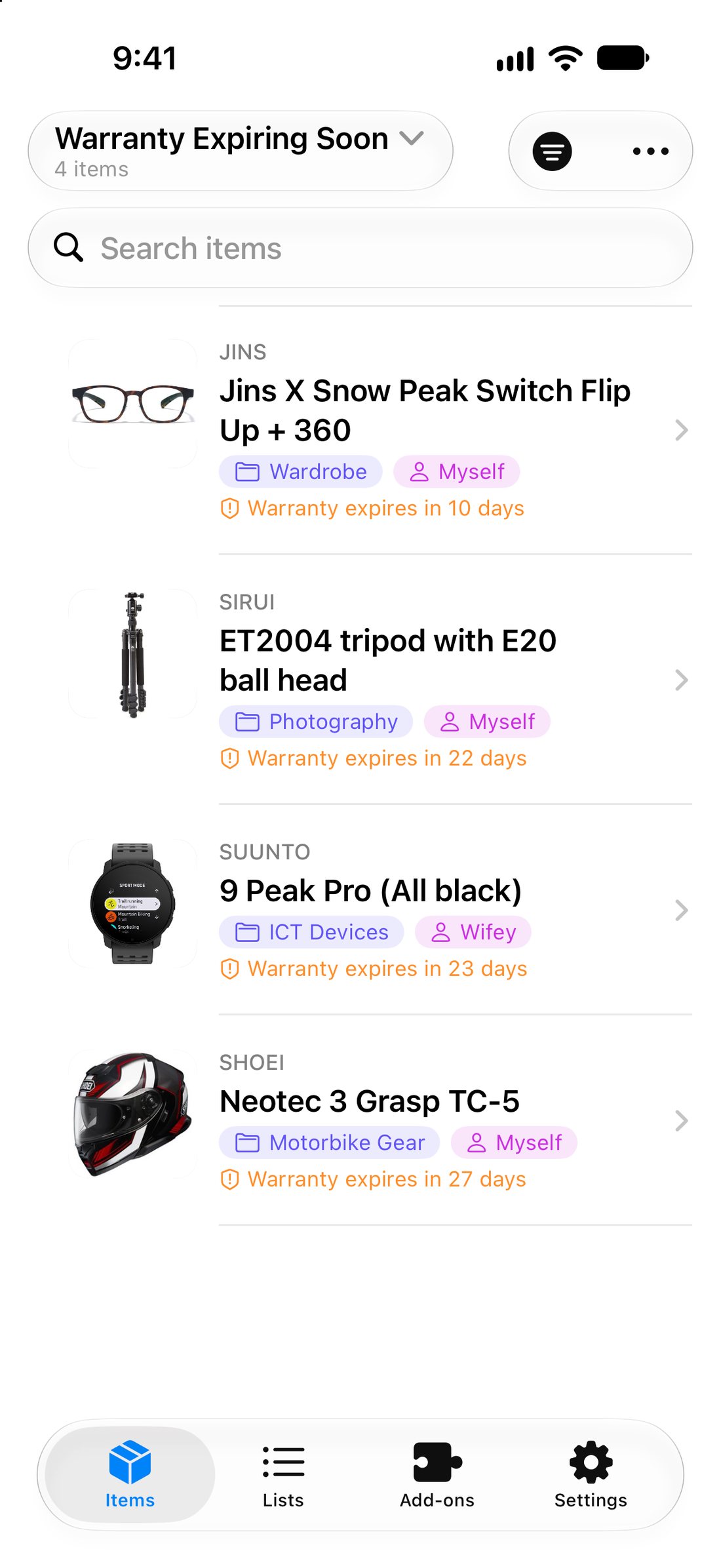
Yes. Say "Search Owndy", "What warranties are expiring in Owndy" or "Scan to add an item in Owndy", or use Owndy's actions in the Shortcuts app. Siri answers from the items on your iPhone, so it works offline too.
Can I add items from my photos?
Yes. In Photos, select pictures of an item's tag, box or receipt, or of the item itself, tap Share, then Owndy. Owndy reads them and adds the item for you, with no forms to fill in.
Can I lock Owndy with Face ID?
Yes, with iPhone's own app lock: touch and hold the Owndy icon on the Home Screen, then choose Require Face ID. Owndy then asks for Face ID every time it opens.
Can I delete my account?
Yes, any time, in Settings › Delete Account. Your items and files are erased from our servers and your iPhone straight away; backup copies expire within 30 days.